
TWO PHOTOS. ONE ORANGE STUDIO.
Hotel Lobby AI Generator
Use hotel lobby ai generator to turn two photos of people or pets into an orange-studio duet. Your duo shares one microphone, with built-in performance direction and template audio. No prompt writing needed.
Use your own images
One studio performance
Your duo, a whole new scene
How to Use Hotel Lobby AI Generator in 3 Steps
Upload Two Photos
Add one clear photo for each side of the microphone. Photo 1 follows the performer who starts on the left; Photo 2 follows the performer who starts on the right.
Choose 5 or 10 Seconds
Choose 5 or 10 seconds in 720p. The wide template guides the scene, camera and movement.
Generate and Download Your Video
Preview your finished video, download the MP4 and share it with your duo.
Hotel Lobby AI Video Examples
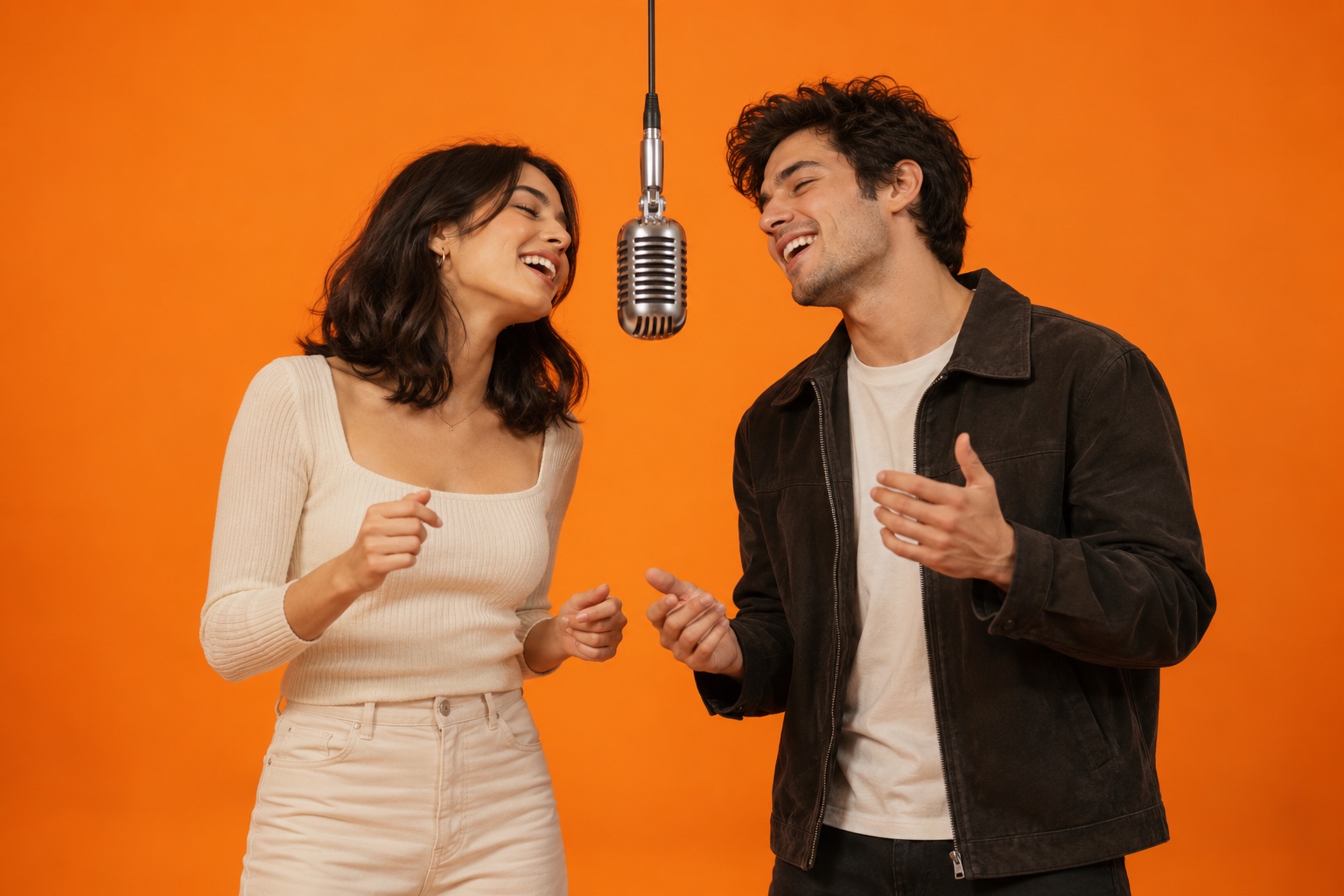
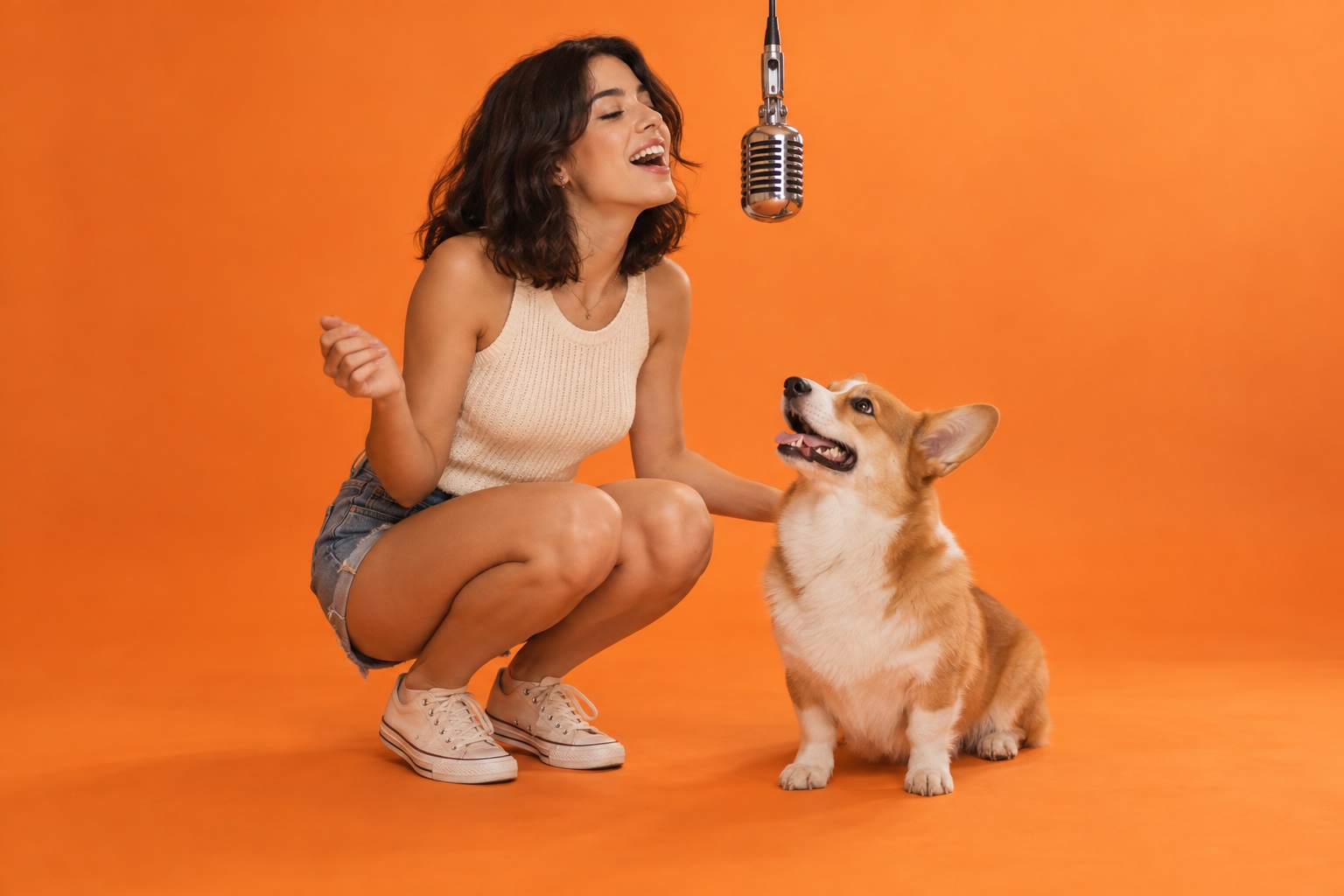
These original AI stills show the orange-studio scene you can explore with hotel lobby ai generator. They are illustrations, rather than completed Seedance video results. Your generated movement, framing, appearance and sound can vary.
What Photos Work Best for the Two-Person Video?
Keep faces unobstructed and use one subject per photo. Clear, well-lit portraits give the model more detail. Small uploads are enlarged, but resizing cannot recover missing detail.
What Is the Hotel Lobby AI Trend?
The Hotel Lobby AI trend turns photos of two people or pets into a duet in an orange recording booth with a hanging microphone. Creators choose their own pair and use AI to bring the two subjects into the same performance scene.
Hotel lobby ai generator uses an original orange-studio performance template. Your two photos guide the left and right subjects; the template guides the scene and movement, and its audio is added to the finished video. You do not need to find a reference clip or write a prompt. Preview the template above to see the performance before spending credits. Likeness and lip sync can vary.
Which Photos Should I Upload?
For hotel lobby ai generator, choose one clear subject in each photo, with even lighting and an uncluttered background. Keep the face or animal features, hairstyle and intended outfit visible. Avoid heavy filters, tiny subjects and group photos where the performer is unclear. You can replace either upload independently; check both previews before submitting.
Upload JPG, PNG or WebP files up to 10 MB each, with one person or pet per slot. The browser preserves proportions and resizes small images without AI face reconstruction. Clear originals provide better facial detail. KIE reviews all references and may reject material even when its format and dimensions are valid.
Video Length, Resolution and Aspect Ratio
The template uses a wide 16:9 frame to keep both performers and the shared microphone visible. For a vertical social post, place the downloaded video inside a vertical canvas in your editor, keeping both performers in view.
Hotel lobby ai generator offers 5- or 10-second videos at 720p. Both follow the opening of the template. Seedance 2.5 receives your two references with the motion template and built-in left and right replacement instructions. There is no prompt to write; check both photos before submitting.
How Much Does Each Video Cost?
Each video you create with hotel lobby ai generator uses 300 application credits. The generator shows the cost and your balance after sign-in. Prepare both inputs before logging in; the inline sign-in flow keeps those selections. Create an account or sign in to submit. Missing service configuration or an insufficient balance prevents the task from being sent to the model.
Application credits are refunded for failed or canceled tasks. A successful result counts as a completed generation; another version uses credits again. Monthly plans provide 900, 2,400, or 6,000 credits. Credits expire at the end of each billing period and do not roll over. The pricing page shows current prices and payment availability. Subscriptions renew automatically, and you can cancel future renewals in billing settings. There is no unlimited use or promised free trial.
Audio, Lip Sync and Face Consistency
Hotel lobby ai generator uses your photos for the two identities and the reference video for the orange booth, camera, gestures and performance timing. After the picture is generated, the website adds the original template audio without asking the model to recreate it. Watch the full clip to check faces, hands, mouth movements and positions. The soundtrack remains the same recording, but the model may not match every lip movement or gesture precisely.
Your library shows whether each task is pending, processing, completed or failed. Generation time depends on the provider’s queue. Reopen the task to check its status. If generation fails, read the message and correct the input before another attempt.
Download Your MP4 and Share It
Preview your hotel lobby ai generator result in the browser, then download its MP4. Videos with the template soundtrack are saved privately in Cloudflare R2 and accessed through your signed-in account. Keep a local copy for long-term use. Contact support from your account to request removal of a saved result.
To share the wide clip on TikTok, Instagram Reels or YouTube Shorts, put it inside a vertical canvas rather than cropping away one performer. Review the entire download for face, hand and motion errors before posting. Use only photos and music you are entitled to share, and disclose AI generation where appropriate. The example illustrations show the visual idea; they do not guarantee the composition or quality of your own video.
What Happens to My Uploaded Photos?
When you submit to hotel lobby ai generator, the two prepared photos are uploaded to KIE’s temporary file service and sent with the performance reference for video generation. The task record stores settings, template version, prompt, provider task ID, credit record and status, but not the uploaded photo bytes. KIE applies its own input retention rules. After generation, the finished video with template audio is stored privately in Cloudflare R2 for playback and download by its account owner.
Use the generator with photos and likenesses you are permitted to use. A successful upload does not guarantee that the provider will accept every reference or produce a precise likeness. Read the photo tips before submitting. For account or generation issues, contact support through your account with your task ID and a description of the problem, without sending API credentials or identity documents.
Photo Tips, Tutorials and Pricing
Choosing your reference photosStep-by-step creation guideVideo credit policyPrivacy and data processingKIE Seedance reference guideHotel Lobby AI Generator FAQ
Is Hotel Lobby AI Generator Free?
You can browse the examples and choose your photos before signing in. Generating a video requires an account and 300 credits. There is no promised free generation trial. Check the cost and your available balance in the generator, and see the pricing page for monthly plans.
How Does Hotel Lobby AI Generator Work?
Hotel lobby ai generator creates a personalized two-subject performance from an original orange-studio video template. Your first reference guides the left subject and your second guides the right. The template supplies the setting, camera and movement; the model adapts the subjects to that performance.
Do I Need Two Separate Photos or a Reference Video?
Upload two separate photos, with one person or pet in each. The first photo guides the left performer and the second guides the right. You do not need to upload a reference video: the orange-studio performance template is already included.
Can I Make a Video with Friends, Couples or Pets?
Yes. Upload one person or pet per photo. Ordinary portrait uploads are supported through KIE, while the provider still reviews each image and video. Some references may be rejected; failed generation credits are returned.
What Video Length and Quality Can I Download?
Choose a 5- or 10-second clip at 720p. The performance uses the wide 16:9 template to keep both subjects in view. The finished MP4 includes the template audio and can be downloaded from your account. For a vertical post, place the clip in a vertical canvas in your editor.
Which AI Model Does This Generator Use?
The generator uses Seedance 2.5 through KIE. It sends your two images with the preset performance video, then combines the generated picture with the template’s original soundtrack.
Does My Video Include Music and Audio?
Yes. After generation, the website copies the original template audio into the finished MP4. This preserves the recording rather than recreating it. Mouth movements may still differ from the sound.
Do I Need to Write a Prompt?
No. Upload two references and choose your video settings. The studio setup, left and right positions, and performance direction are built in.
Are Credits Refunded If Generation Fails?
Hotel lobby ai generator returns credits charged for a failed generation. Your task remains in your library, so you can see its status and try again with different references.