
How to make a Hotel Lobby AI video
Choose two subjects, set the frame, and create an orange studio duet.
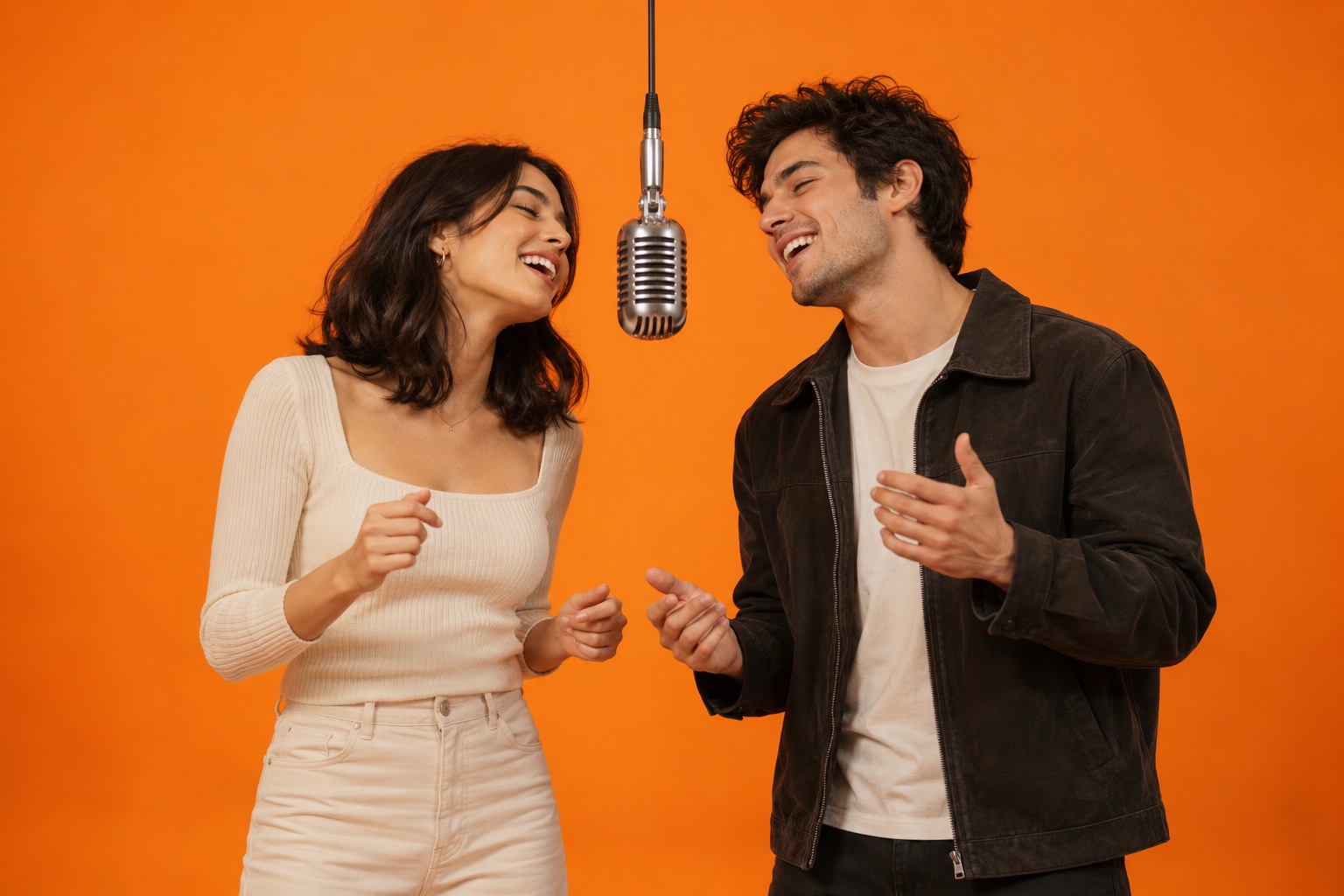
Choose the duo
Use one reference for the subject on the left and one for the subject on the right. Pets and eligible images can be uploaded as JPG, PNG or WebP. Ordinary portrait uploads are supported through KIE; all references remain subject to provider review.
Pick a video format
The performance template uses a 16:9 landscape frame at 720p. Choose 5 or 10 seconds. Preview the original template before submitting: it guides the studio, microphone, camera and duet movement, while your first and second references guide the left and right subjects.
Submit and check your library
Sign in, confirm permission to use the references, and review the credit cost before generating. Your job is saved in My videos. The status updates while that page is open. A failed job returns the application credits it consumed.
Keep the result
Watch the result before downloading the MP4. The website adds the original template soundtrack and stores the finished MP4 privately in your account. Review likeness, motion and lip timing before sharing.